Download QuanTest — Free
A local-first backtesting tool for individual investors. Price data stays on your device, and no signup is required.
Version 1.0.0
On-device
Price data never leaves your device
Free — no signup
Start without email on Free plan
Free to start
Free plan — forever
Open format
Official brokerage CSV
Get started in 3 steps
- 1
Install
Open the downloaded file (.dmg / .exe) and follow the on-screen instructions.
- 2
Import your CSV
Drag and drop a CSV exported from your brokerage (SBI HYPER SBI 2, Rakuten MarketSpeed II, Yahoo! JAPAN Finance VIP Club, Investing.com, or a custom CSV).
- 3
Run a backtest
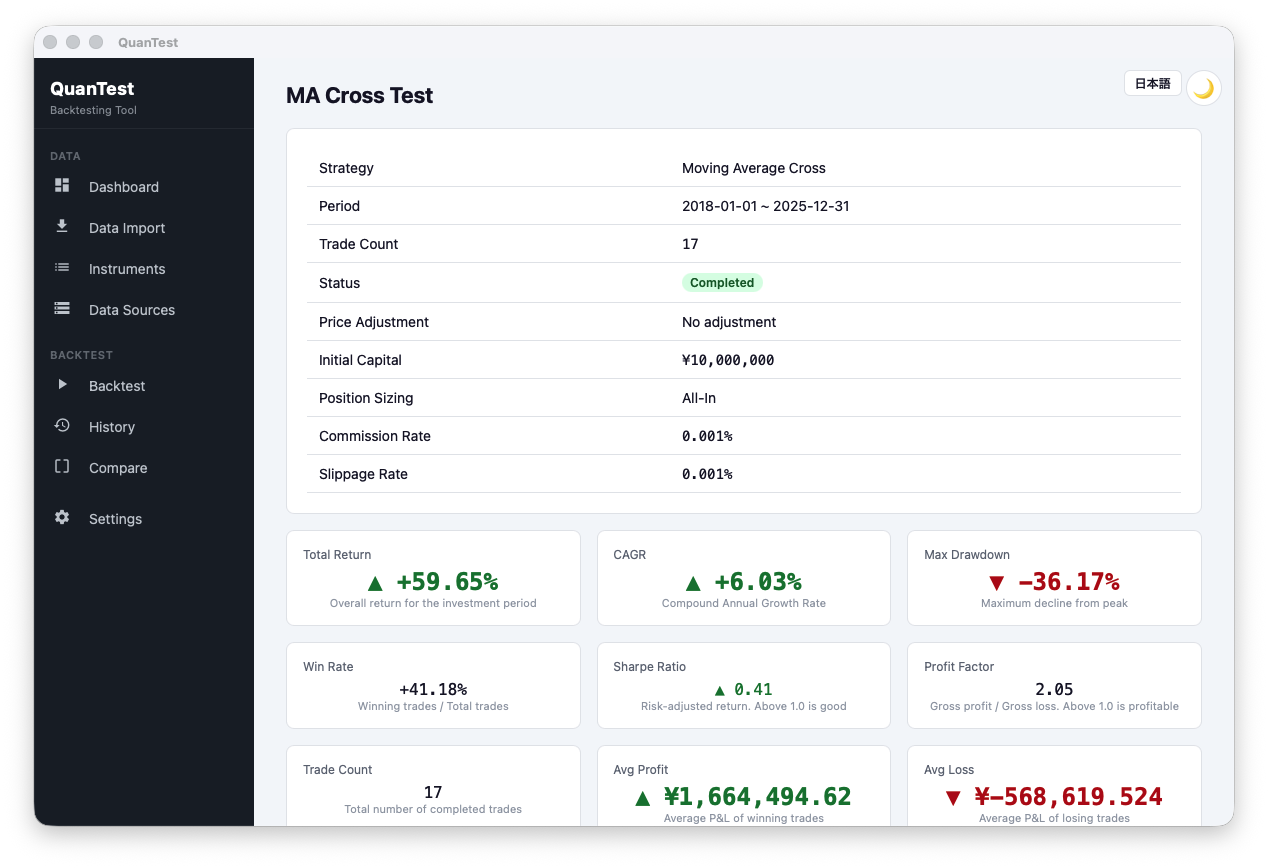
Pick a preset strategy (Moving Average Cross, RSI Contrarian, Breakout, and more) and see how it behaved over the past 10 years.
About OS install warnings
macOS: "cannot be opened because the developer cannot be verified"
Right-click the app icon → choose "Open" → click "Open" again in the dialog. This is only needed on the first launch.
Windows SmartScreen warning
Click "More info" in the dialog → choose "Run anyway".
System requirements
- macOS 11 Big Sur or later / Apple Silicon and Intel
- Windows 10 (64-bit) or later
- ~100 MB free disk space